Cloudinary
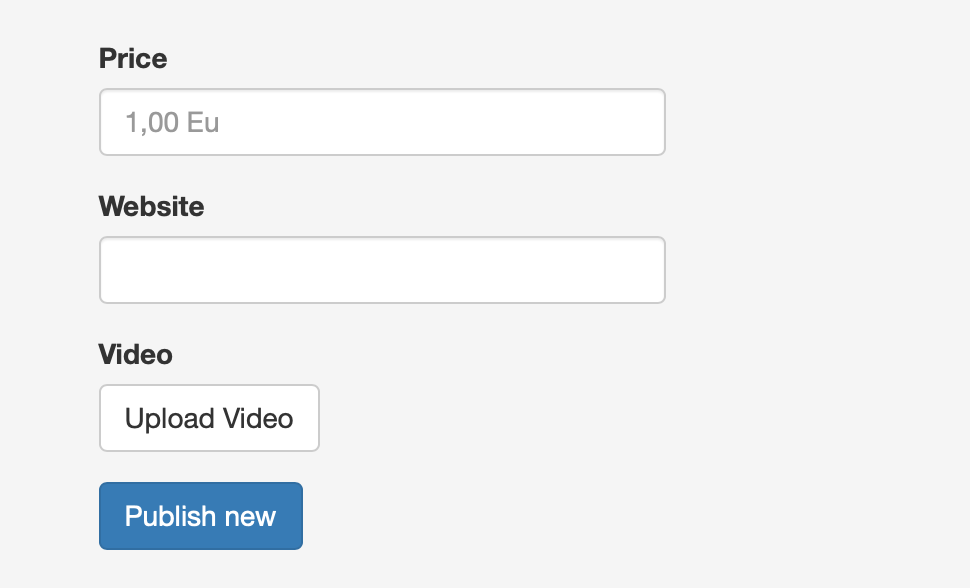
This feature allows sellers to add videos to their ads.
Prerequisites
- A Cloudinary account which is created and configured.
- The Video custom field needs to be created.
- Seller can ad videos to their ads while creating them.
Create the Video field
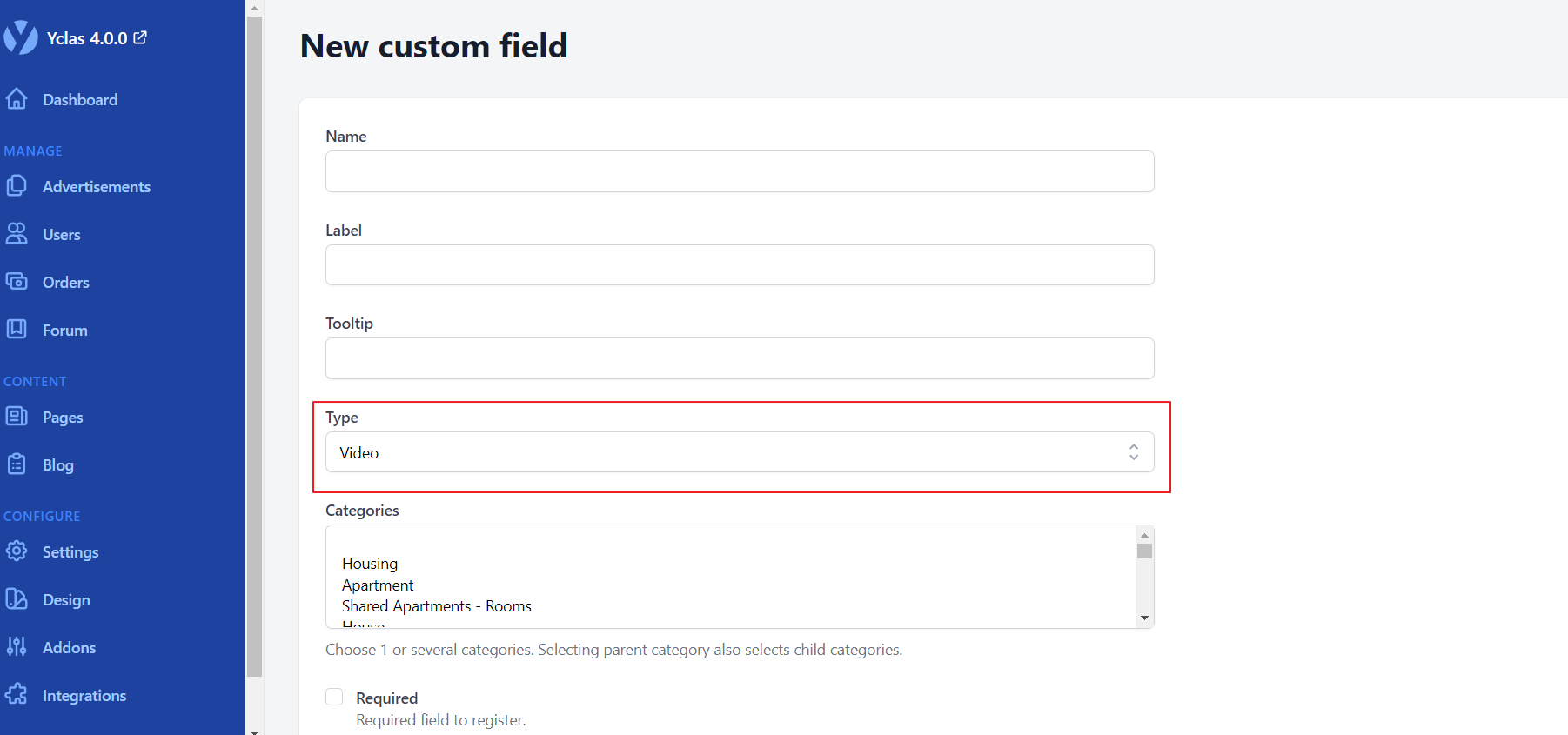
- Create a Custom Field on Configure -> Settings -> Custom fields.
- Click on New Field -> The custom field Type must be Video.
Cloudinary
Go to [Cloudinary Upload Settings].(https://cloudinary.com/console/settings/upload)
Press Upload presents -> Add upload present.
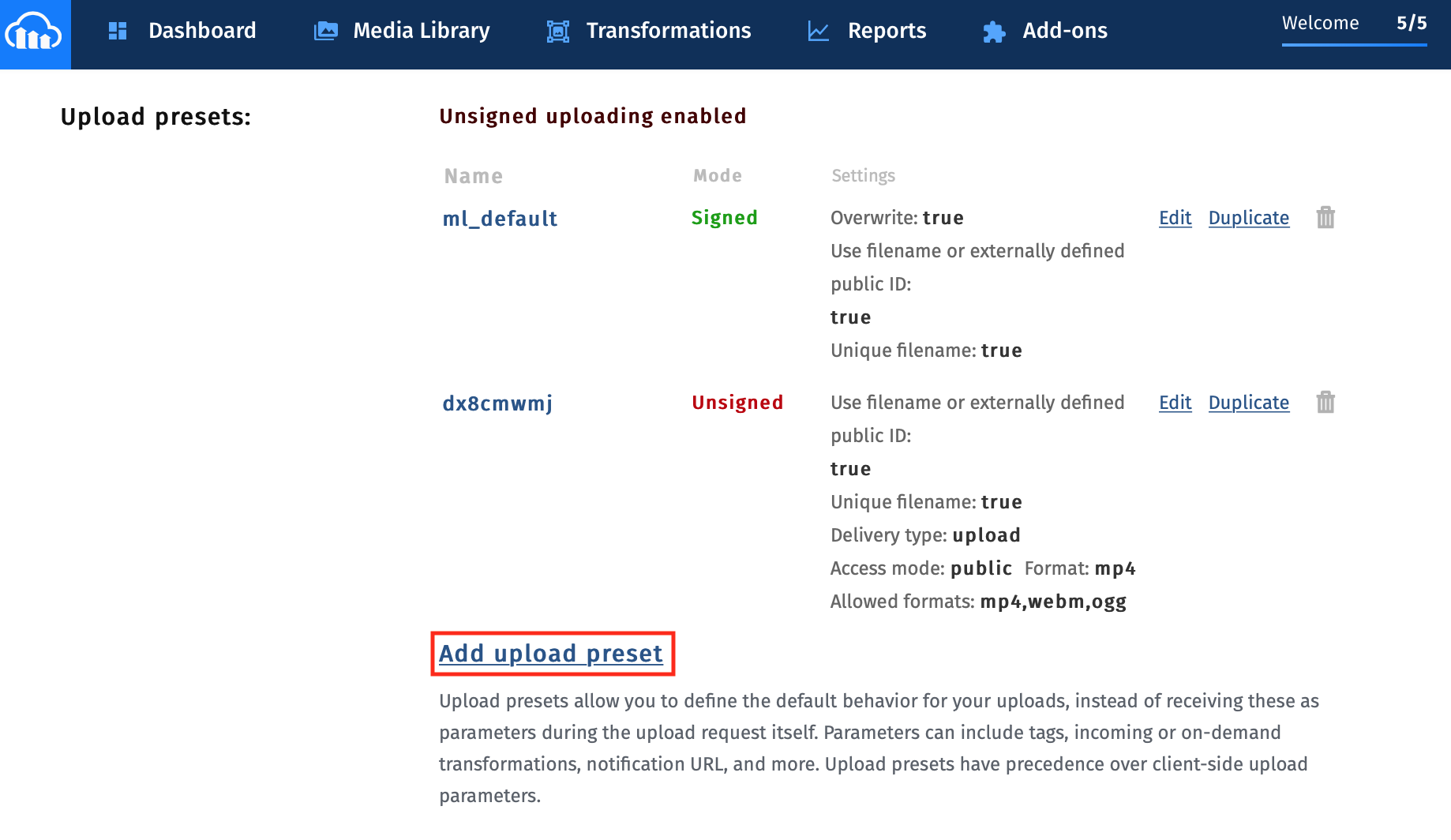
- Choose Unsigned on Signing Mode.
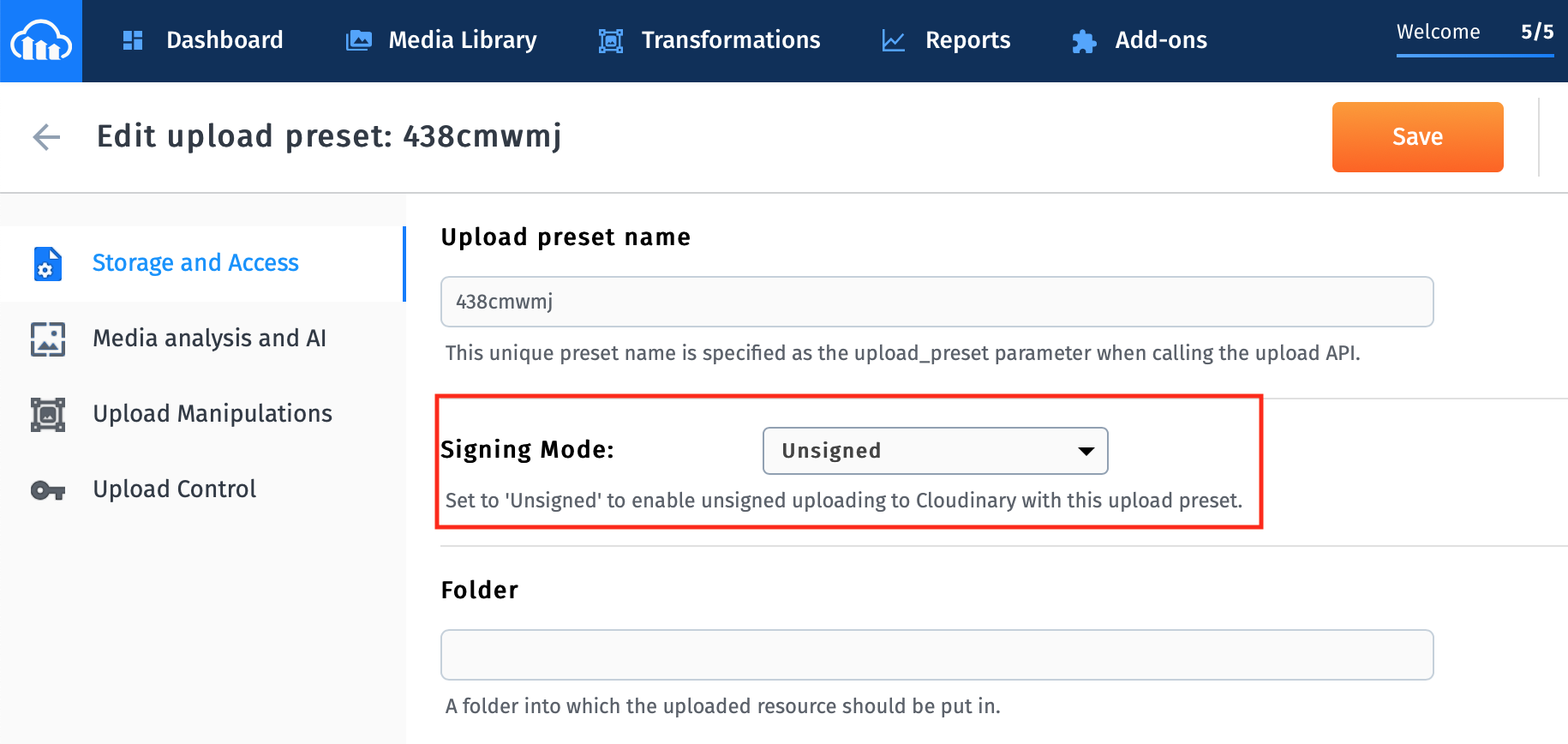
- Press Upload Manipulations and enter mp4 on format field.
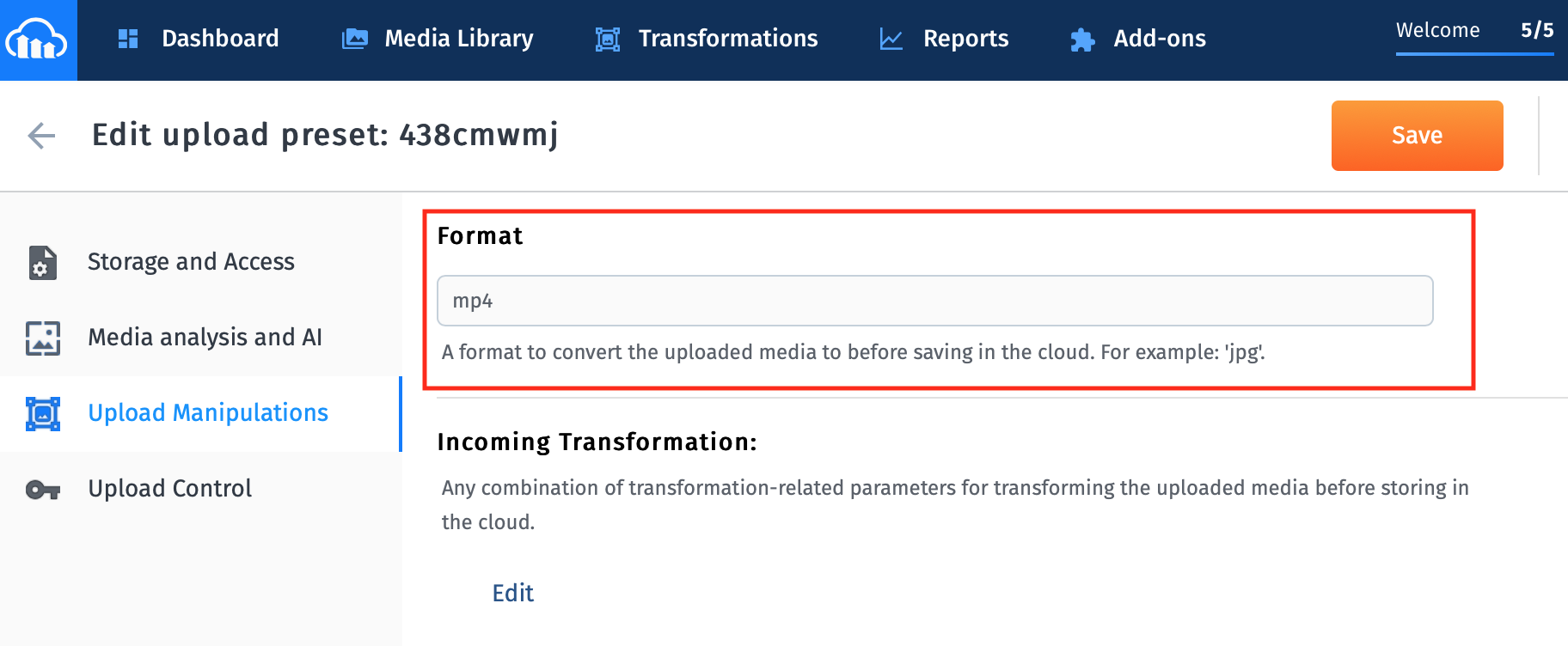
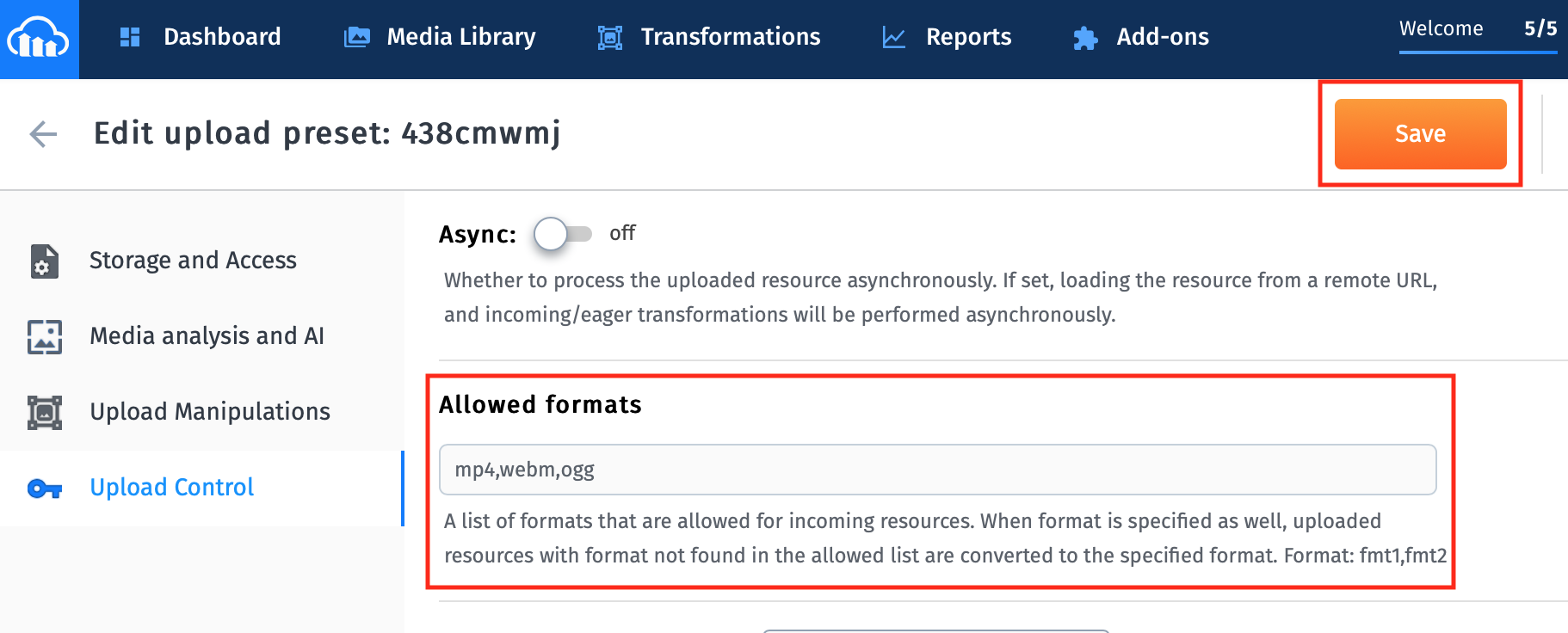
- Press Upload Control and enter mp4,webm,ogg on allowed formats and click Save button.
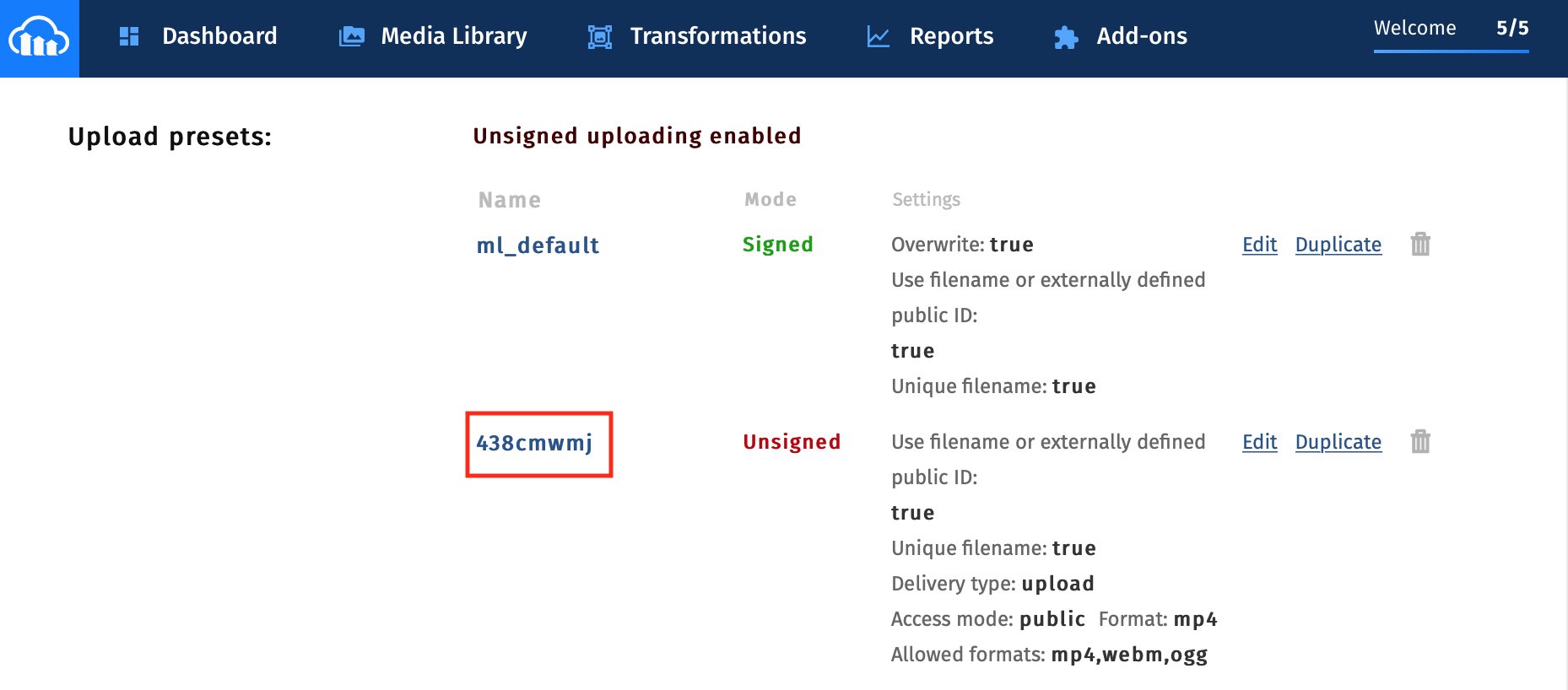
- Copy your Upload present name and paste it to your website admin panel -> Configure -> Integrations -> Cloudinary .
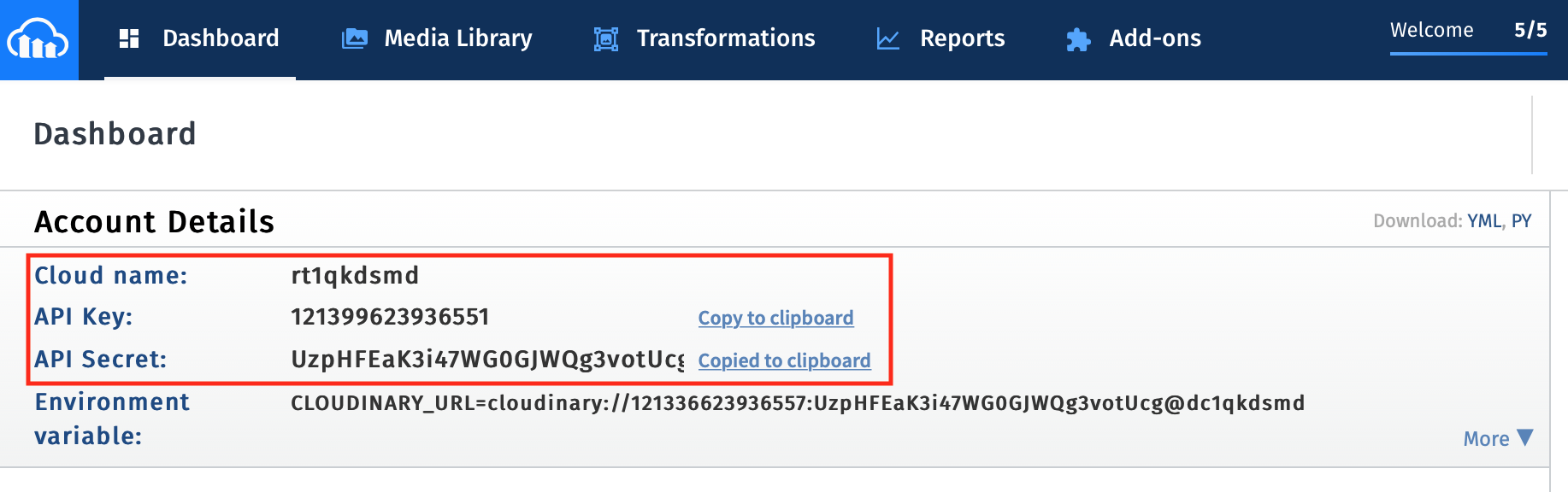
Go to [Cloudinary Console].(https://cloudinary.com/console)
Copy your Cloud name, API Key, API Secret and paste it to your website admin panel -> Configure -> Integrations -> Cloudinary -> Cloudinary API Key, Cloudinary API Secret and Cloudinary Cloud Name.
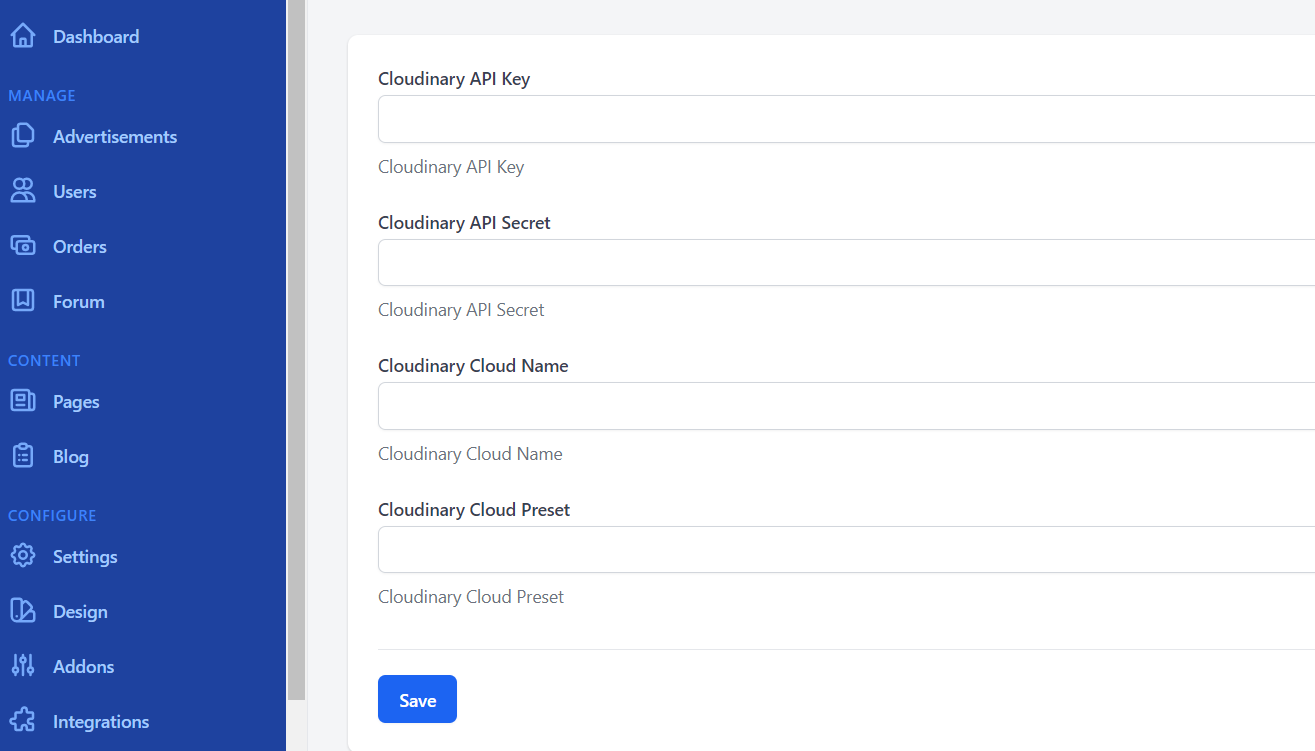
- Done. You can now go to the Publish new page to see the result.